SEE POWER MOVE
Power has a shape. Now you can see it.
Point Petals at any wallet or contract, or just name a community, and map how power moves.
You
Show me my community.
Petals
Here’s how power is shared.
How it works
01
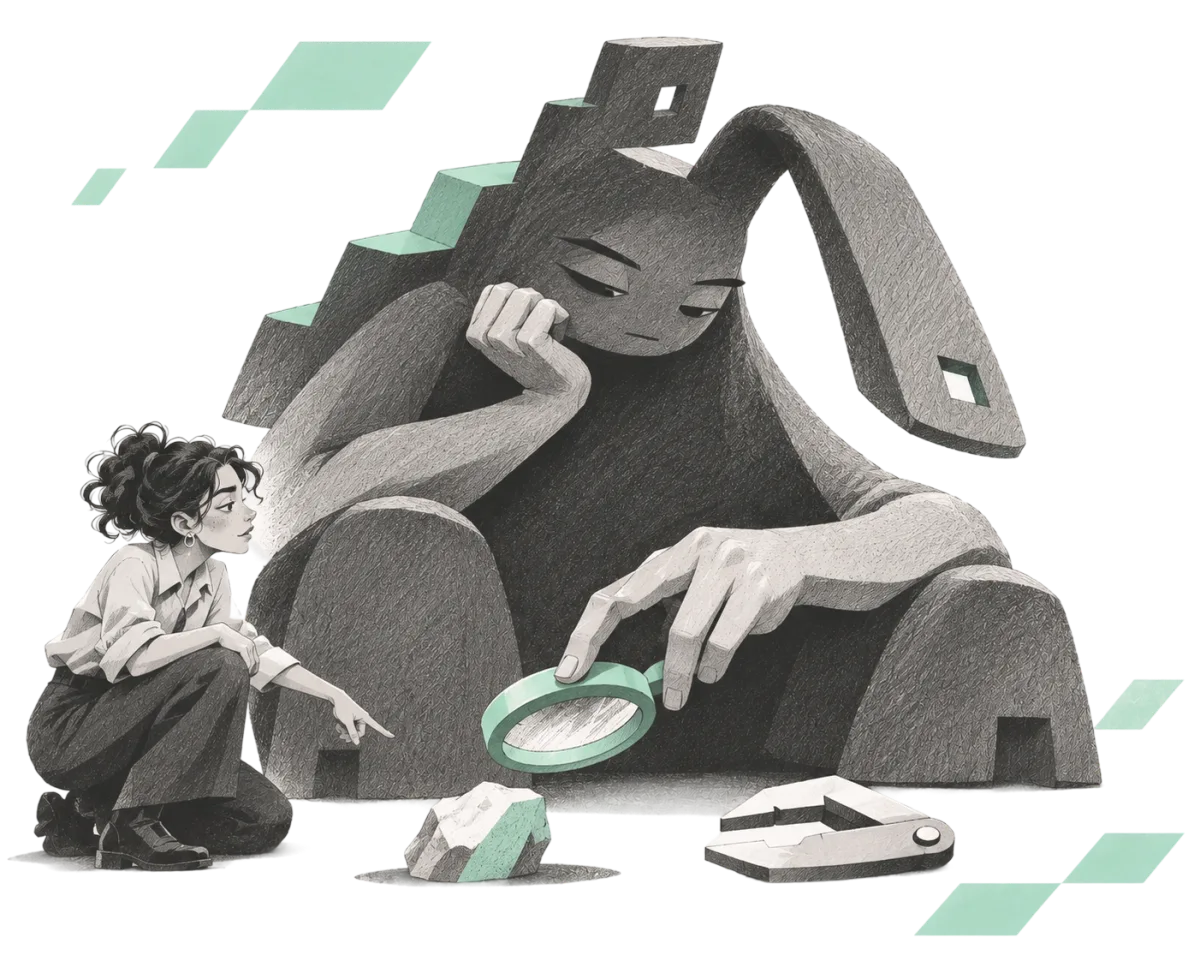
A CONVERSATION ABOUT POWER
Tell Petals what to focus on.
Name a community, wallet or contract. Petals’ agent, powered by NEAR AI, explores it with you. A flower shows how power is held and how accounts connect.
02
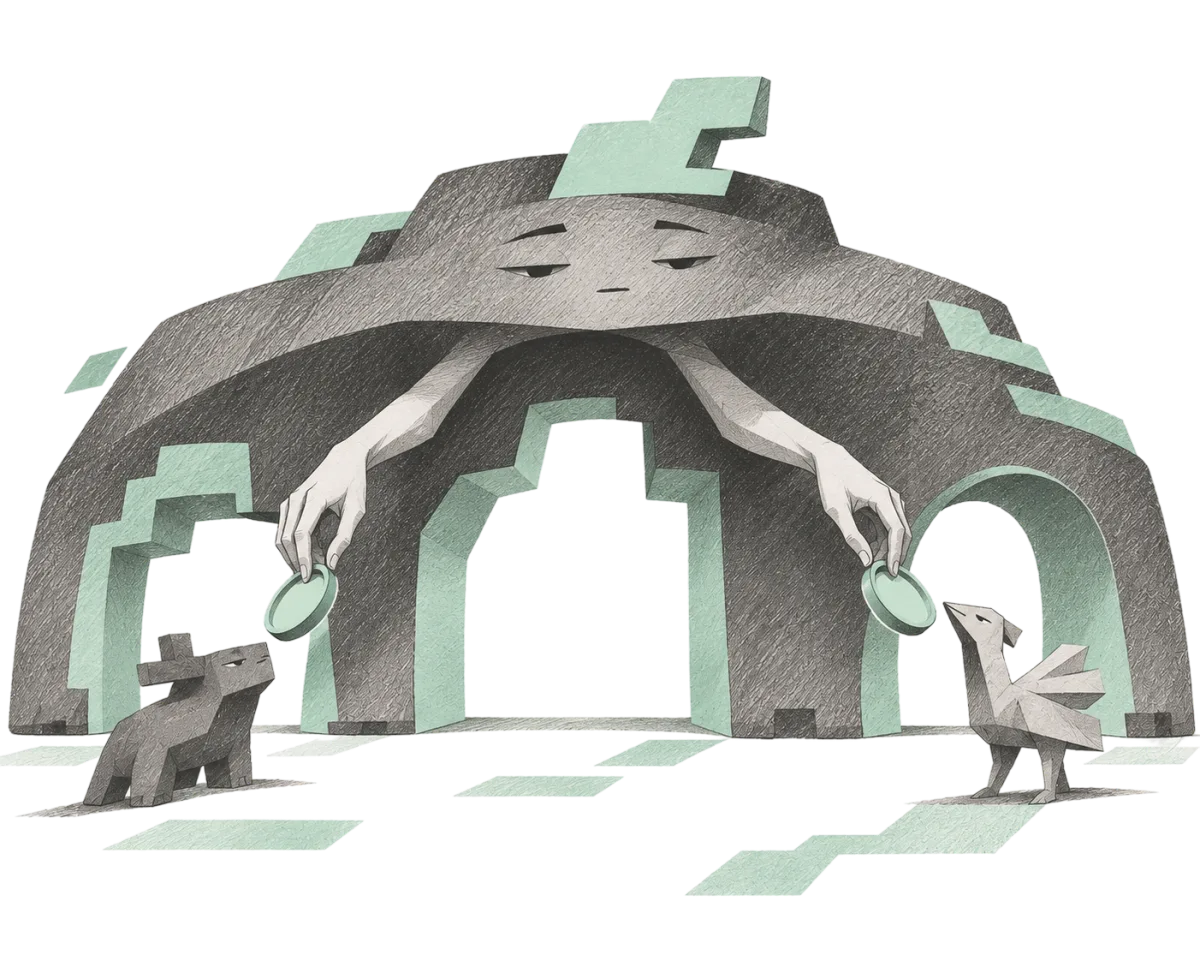
MANY HANDS MAKE LIGHT WORK
Connect your own agents.
Petals can outsource the heavy mapping and research to agents you pay for. They work with their own tools and resources, bringing results back while you keep exploring with Petals.
03
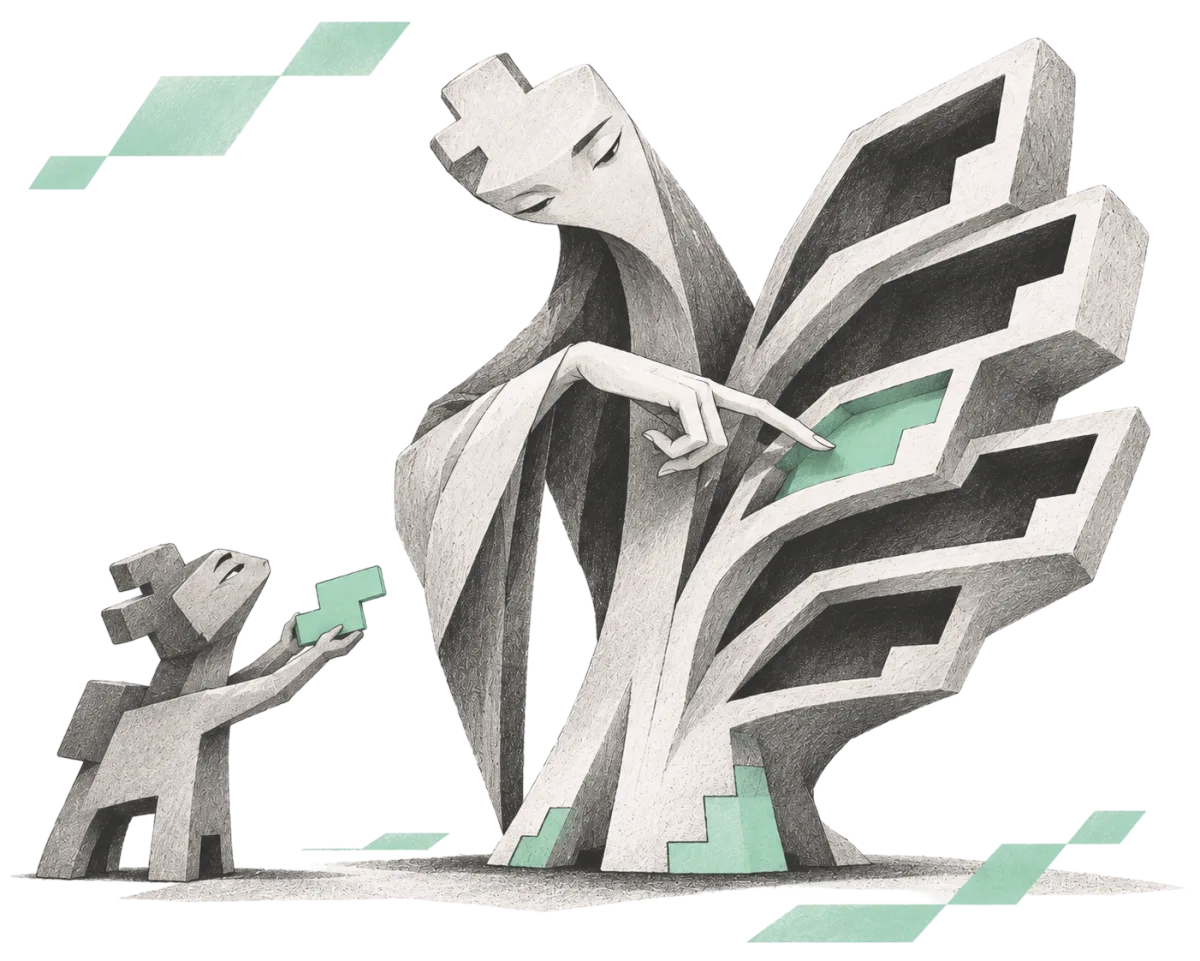
SKILL LIBRARY
Behind Petals is a Brain
Your swarm can coordinate seamlessly as you chat because of the Brain. An open library of methods that guides agents on how to query and analyze power networks.
04
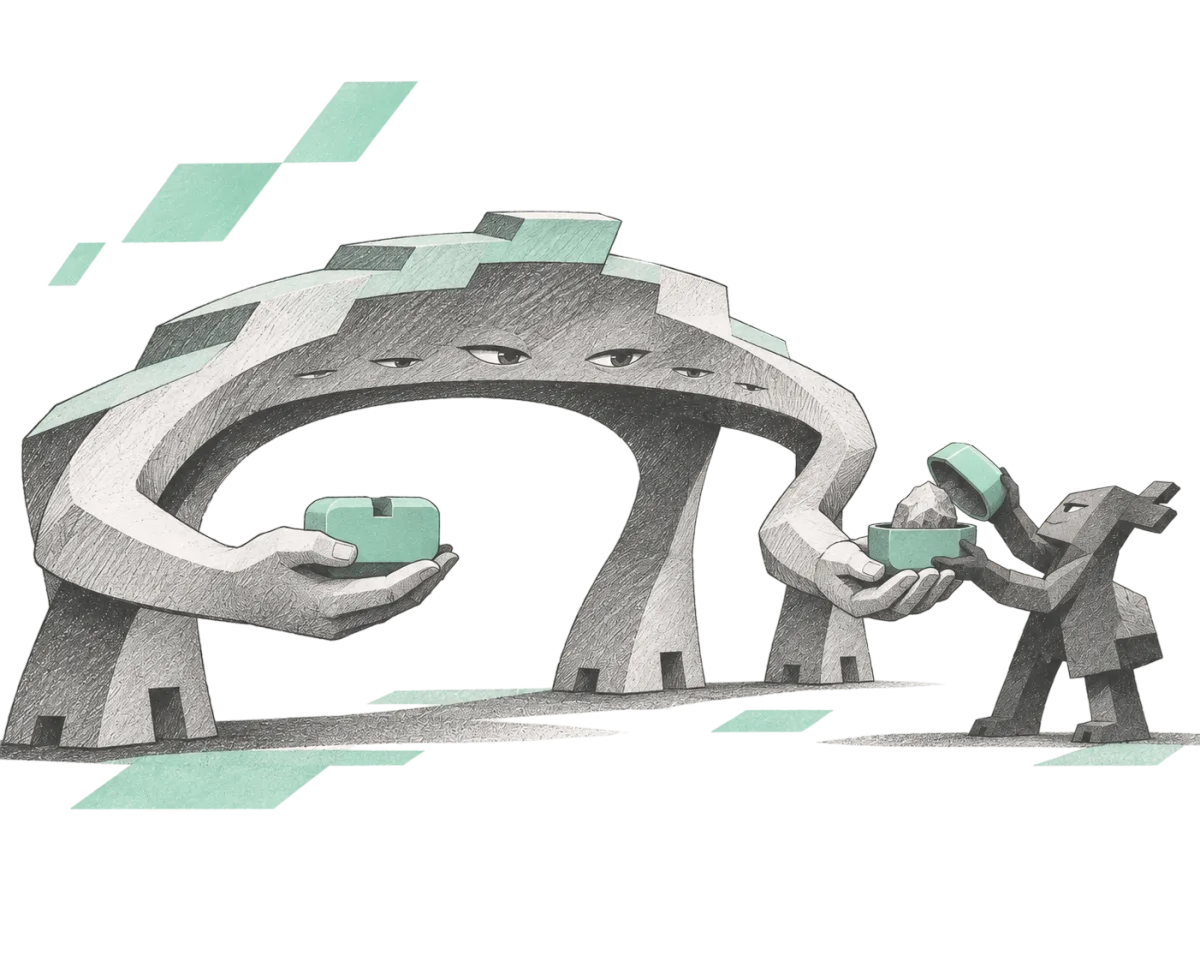
FOLLOW THE EVIDENCE
Deterministic results
Tools read the chain. Each reading records its sources and date, with interpretations marked separately. The flower makes the results visible; the agent helps you make sense of them.
05
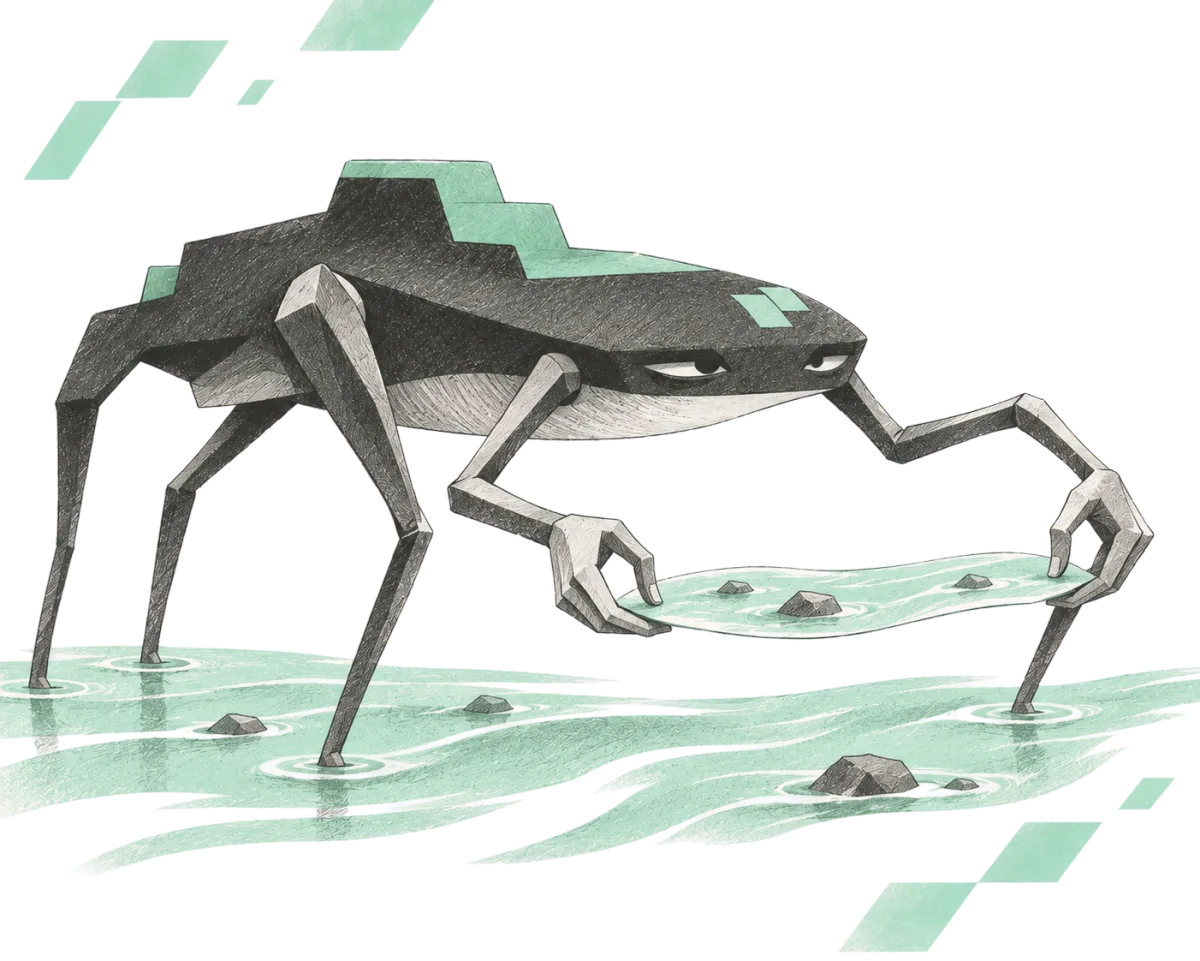
THE POWER MAP
Each ask grows the map
Explore what others have mapped, and add the readings you care about. All data sets come together in the Power Map. It gets more detailed as we explore.
06
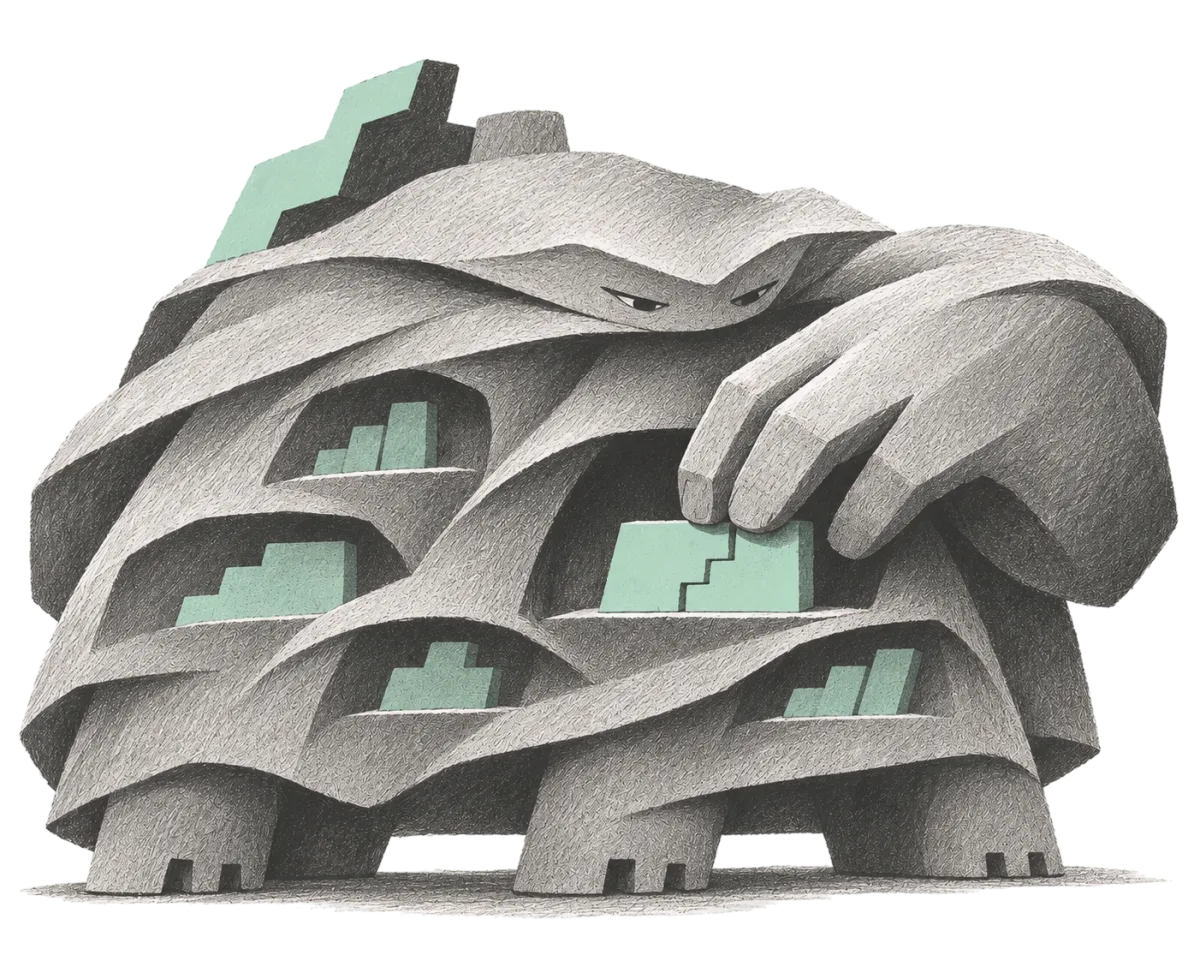
YOUR WORKSPACE
Pick up where you left off.
Connect a NEAR wallet to save your conversations, notes and maps. Return to them and keep working until you are ready to publish. Your workspace stays private and your contributions use your NEAR Social profile.
07
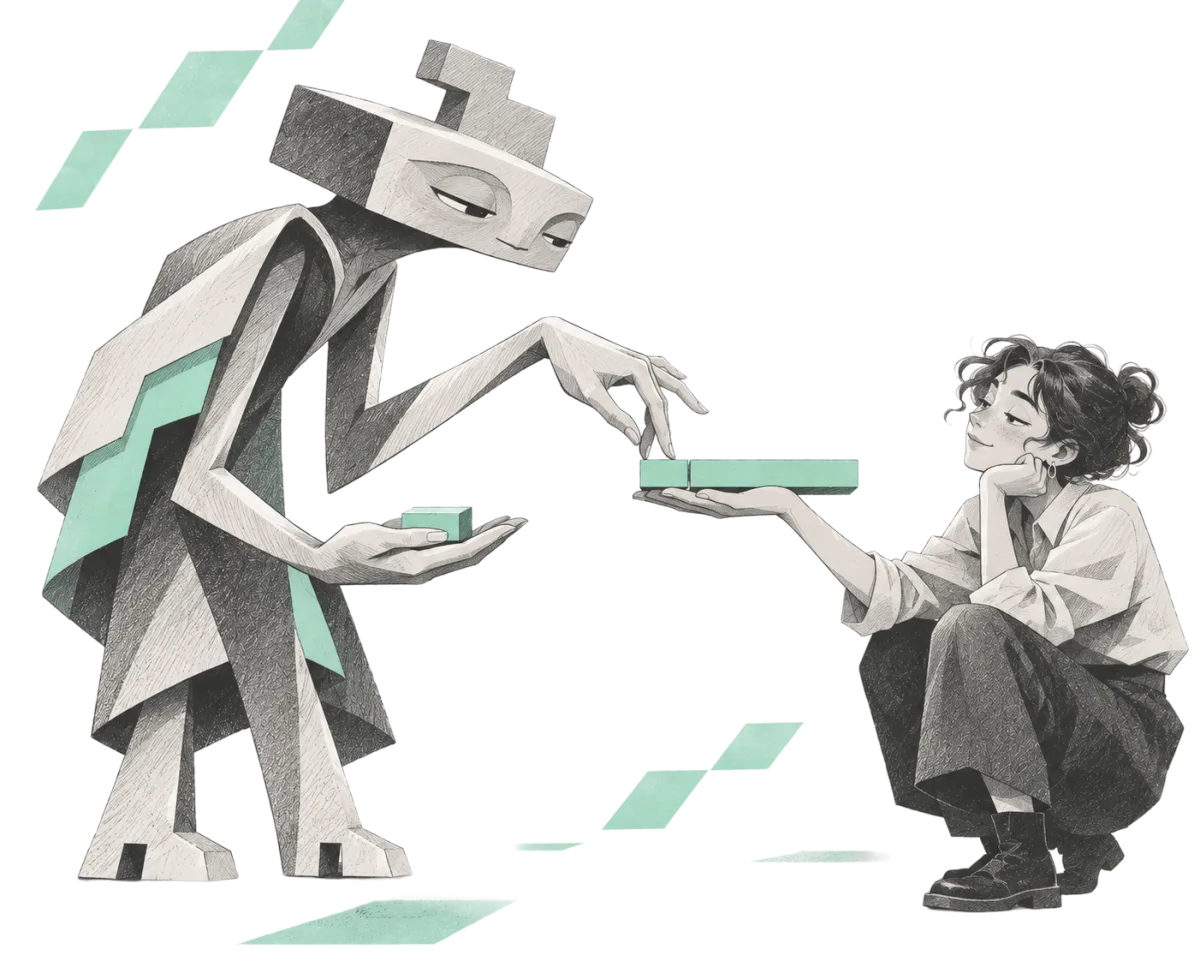
LOW COST, NO SETUP
A few cents go a long way.
Browsing the Power Map is free. Top up your Petals account to use its agent and mapping tools, paying as you go. Connected agents use their own resources for the work they take on.
Skip the Reading. Let your agent set you up
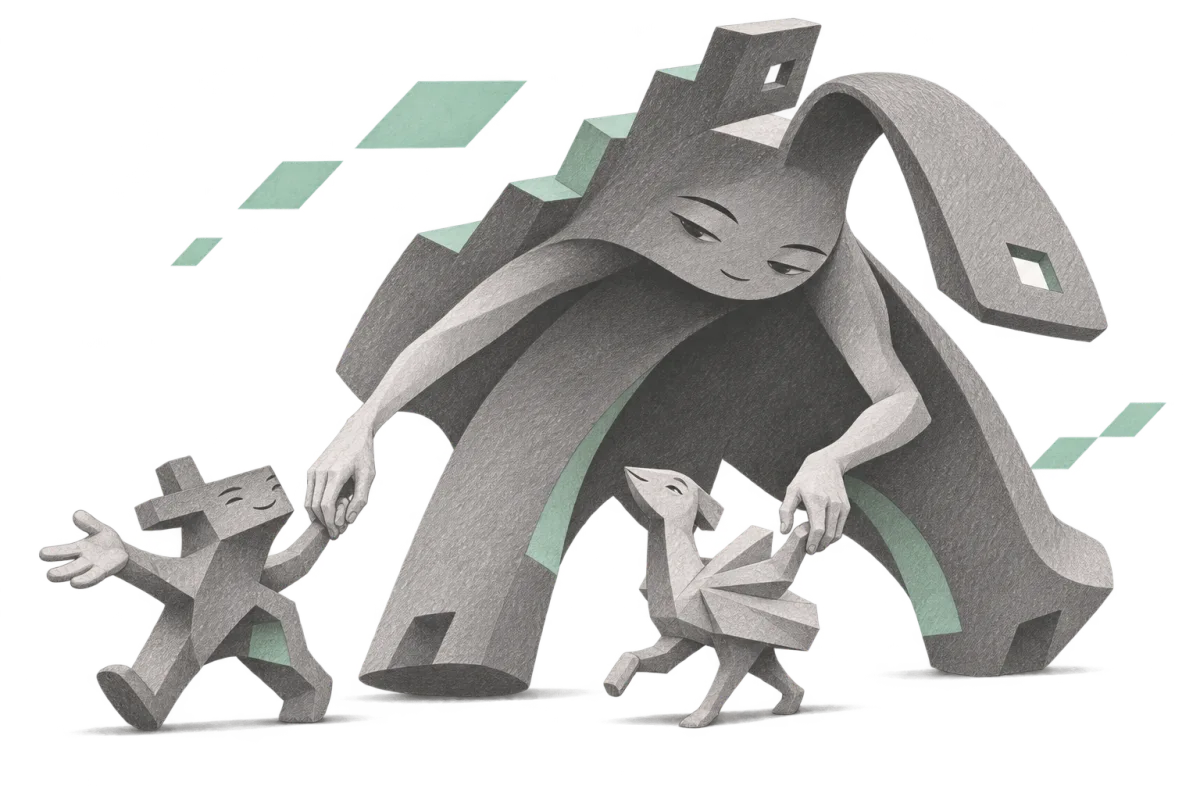
Click and paste to any chatbot. It will walk you through setting up a wallet, logging in and topping up—until you’re ready to talk to Petals.
Start with a network you know.
- pool
- liquid staking
- person or organisation
- unknown
- contract
- everyone else
Make Petals stronger.
Map a network you care about.
Every layer your agent adds makes the map better for the next person.
Teach Petals a new system.
Write a recipe for a kind of DAO Petals can't read yet, and share it with a pull request.
Talk to Petals' agent.
What you pay in NEAR keeps it reading.
01Is Using Petals free?−
Browsing the Power Map is free. It opens without an account, a key or a wallet.
To contribute to the Power Map or ask Petals AI questions, you will need to top up your Petals account or bring your own tokens by connecting another AI you control.
Talking to Petals' agent on NEAR AI is very cost effective, paid as you go from your wallet. Mapping can be done in the same way or you can allow Petals to collaborate with your other agents, just copy and paste the prompt and Petals will off load the heavier, costlier work to your preferred agents.
02Which networks can it read?−
Petals treats a group of wallets connected through ownership, participation or control as a network. In principle, any such network can be mapped, provided there’s accessible data and a clear definition of what power means within it. Petals’ Brain is a shared library of strategies for understanding that power: who holds it, who votes, who can move the money, and who can change the rules. It guides an agent through finding the data, checking what it means, and turning it into a map.
Today’s readers cover specific systems on NEAR, Ethereum, Base, Arbitrum, Gnosis and Solana. New systems may need new recipes or additional tools, and every reading will make its limits clear.
03What can Petals tell me?−
The shape of a “flower” gives you a first look at power: whether it’s spread across a community or concentrated in a few accounts, and how those accounts connect. What counts as power depends on what you’re exploring. Petals’ Brain guides the agent in helping you interpret the data.
Each petal represents an account. A large one might represent many others through a staking pool, an exchange or a shared treasury. One person can also control several accounts. Petals can help you find clues.
Ask Petals to investigate an account or network using the records it can find. What has that account proposed, and who voted for or against it? What discussions led to those decisions? Has it been publicly linked to a forum profile or social account?
An agent can follow proposals into forum discussions, trace votes and actions, and build successive views of the network’s history. Petals’ Brain holds the strategies for that exploration, and grows as new methods are tested and shared.
You don’t have to know the whole investigation before you begin. Ask the next question, and keep mapping.
04How do I know it's right?−
Readings from a chain are backed by evidence. Deterministic tools read the data and do the counting; agents help you interpret the results. Each reading records its sources, the time or block it describes, and what it covers. Anyone using the same data and method would get the same results.
Data and insights are labelled separately, so you can distinguish what was read directly from the chain, what the agent inferred, and what is a lead to investigate. A recorded vote tells you how an account voted, but not why. A connection between accounts doesn’t prove they share an owner. An interpretation can be useful without being certain.
Ask it: “Show me the source.” “How did you reach that conclusion?” “What’s missing?” Each reading gives you evidence to examine, and each interpretation gives you something to question and explore further.
05Can it tell me who's behind a wallet?−
It can help you follow the public trail. An account may have declared a name, linked a forum profile, submitted proposals or signed transactions for a known organisation. Petals can help gather those records and distinguish what the account declared about itself from what someone else attributed to it.
Often, you’ll learn more about what an account does than who owns it: which networks it participates in, what it proposes, how it votes and where its influence comes from. Those connections can suggest where to look next. A shared name, similar voting pattern or transfer between wallets is a clue to investigate; it doesn’t establish that the same person controls them.
You can keep your own notes and interpretations as you explore. Petals helps you build an understanding from the evidence available, with room for what remains unknown.
06When do I need a wallet?−
You don’t need one to browse the public Power Map. To use Petals’ agent, save your work and pay for its services, you’ll need to connect a NEAR wallet. It’s how you sign in and return to your conversations, notes and maps.
Signing in moves no funds and costs nothing. Payments are separate, and Petals never asks for your private key or seed phrase.
07Can I use it in ChatGPT or Claude?−
Yes. Claude Code, Codex, Hermes and other agents that can run commands can help you map. Copy the connection prompt into your agent to bring it into your Petals project.
Petals’ agent works with you on the page and can hand mapping jobs to your connected agents. They use their own tools and resources, and bring the results back into the same project. Several agents can work on different parts of a network, guided by the shared Brain.
ChatGPT and the Claude chat app can also connect through Petals’ connector. Your app may ask you to approve the connection or particular actions.
08Who sees my questions?−
Your conversations and notes are private to your account. Other Petals users can’t browse them, and your workspace search stays within your own work. You choose what you share on the public Power Map and which agents you connect to your projects.
When you use Petals’ own agent, your messages and the context needed to answer them pass through Petals’ server and NEAR AI. If you connect another agent, the information shared with it is also handled by its provider. Your work is private from other users; the services running your agents still process what you share with them.
09Where should I start?−
Start with a wallet you control and talk to the agent about the networks you’re part of. Where do you hold tokens, vote or delegate? What would you like to understand about your place in those communities? Follow what turns up. You can also begin with a network on the public Power Map.
10How fresh is a map?−
Each reading captures a moment, identified by its date or block. Ask for a fresh reading, or use time to frame your investigation: “Show this network before and after that proposal,” or “How did voting power change each month?”
Where historical data is available, the agent can build a sequence of snapshots and compare who gained power, who lost it and how connections changed. Each snapshot preserves the data for its moment. Your current visual settings determine how every snapshot is drawn; changing them changes the view across the comparison.
11Can I choose what the flower shows?−
A flower is drawn from its data and a view: settings that assign pieces of data to visual dimensions such as height, width, colour and segments. Height might show a share of voting power; bands inside a petal might show the backers behind a staking pool. Changing the view changes how you read the data, not the underlying records.
The renderer always applies your current visual settings to every flower you explore, including maps made by others. You can change which data each supported dimension shows, and those choices carry across your views. The legend explains the dimensions according to your settings.
12What can I do with what I find?−
Keep notes alongside the evidence, return to an investigation, and compare networks or different moments in their history. Use what you learn to prepare a proposal, understand who might support it, choose a delegate or question a decision. You can also ask the agent to help turn an investigation into a clear explanation for your community.
A useful finding can be a concentration of power, a connection worth investigating or something the available records cannot explain. When you share it, include the sources, date and open questions so others can check it and continue the work.
13Can I help Petals learn something new?−
Yes. Contribute through GitHub:
- Open an issue to point out missing data, challenge an interpretation or suggest a system Petals should learn to map. Include the relevant sources and an example others can examine.
- Submit a pull request to improve a Brain chapter, add a reading recipe or extend a tool. Explain what changed and how you tested it; your agent can help prepare the contribution.
Changes are reviewed before becoming part of the shared Brain. Our Telegram chat is a place to compare methods, ask for help and find collaborators. Issues and pull requests on GitHub keep track of the work.
Petals is open source. Build it with us.
Built in the open, under the MIT licence: the brain that teaches agents to map, the recipes that read each kind of system, the protocol that turns a network's data into a shape, and Petals' agent on NEAR AI. Teach it a new system, sharpen a reading, or bring Petals into your own agent.
Claude Code
$ curl -fsSL https://petal-flowers.vercel.app/petal.mjs --create-dirs -o ~/.petals/petal.mjs && claude mcp add -s user petals -- "$(command -v node)" "$HOME/.petals/petal.mjs" mcp